AIXELS - Creative Collision
the prompt
Poke the bear: Explore with AI
context
What is Creative Collision?
Sponsor
Sogni.AI
Our designathon this year was sponsored by Sogni.AI, a startup designed to democratize AI, made by an RIT alum.
Info
Team Structure
Teams in Creative Collision have a mix of 1 - 4th years to combine skills and mentorship! Each team typically has 6+ members.
THE DEBATE
A creative designathon includes AI?
This was the first year students were mixed in their opinion with the prompt.
While we did use AI, we strayed away from AI photos, filters, or chatbots and rather used Claude and Figma Make in our workflow to make something cool.
THE INSPIRATION
AI is a mirror…
My teammate, Mars, said AI is a tool and a mirror.
We took that concept and ran with it, conceptualizing different ideas the first few hours until we landed on a grid of color and pixel art.
Process Work
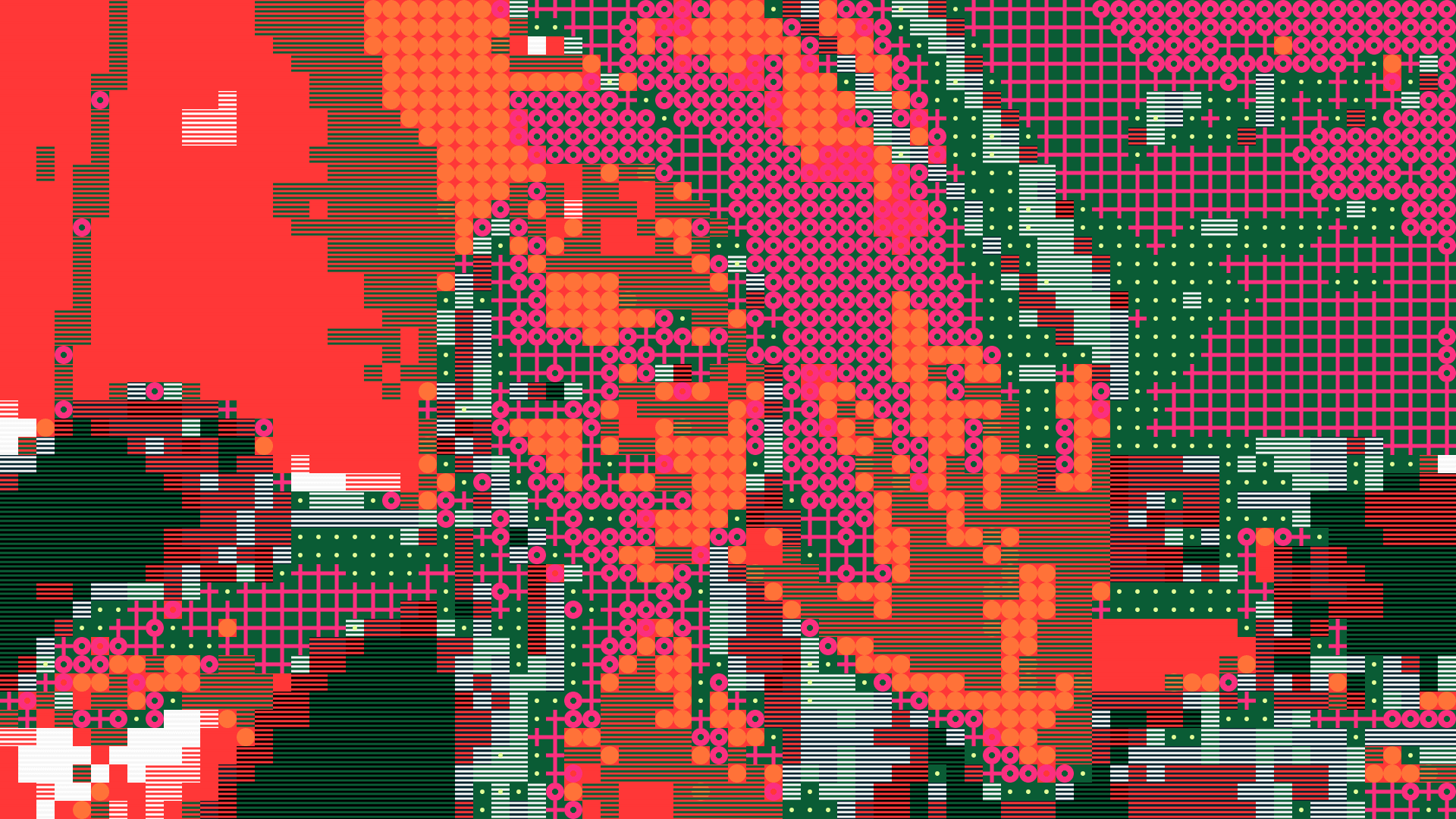
Pass 1 — Layering and shape tests; weak background–foreground contrast
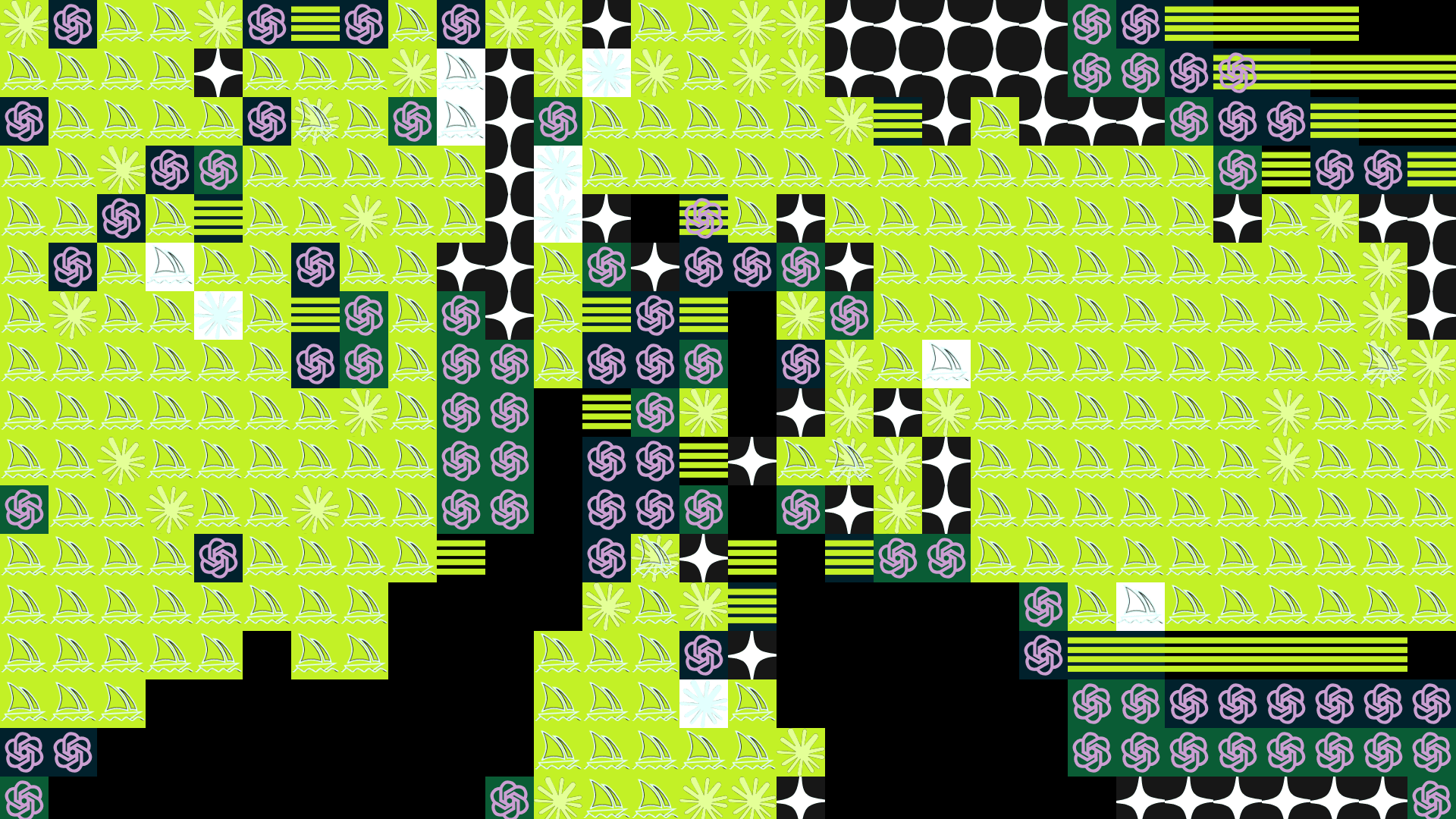
Pass 2 — Introducing AI logos and removing midtones to isolate darks and lights
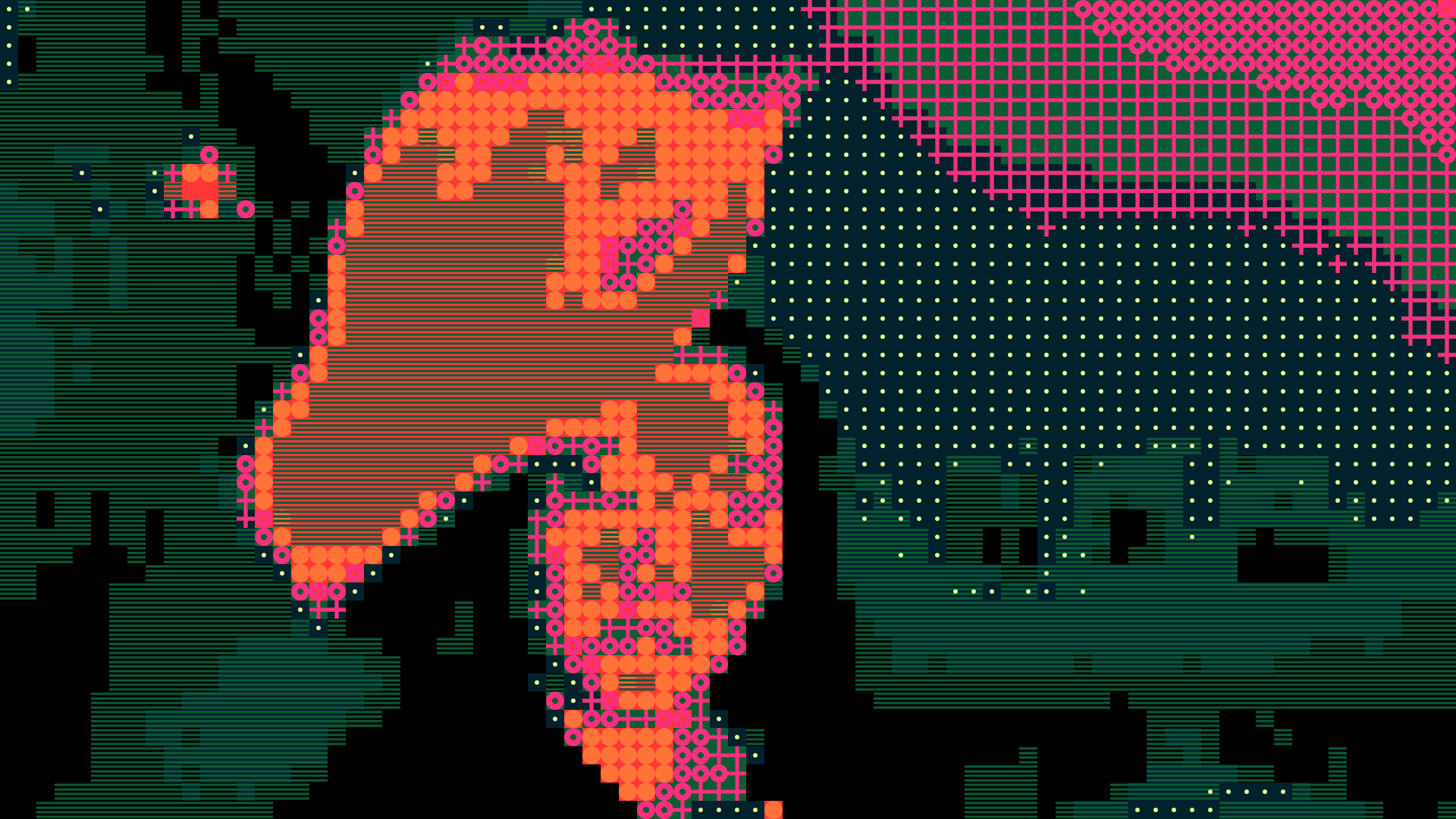
Pass 3 — Reintroducing midtones and control layering with thicker shapes
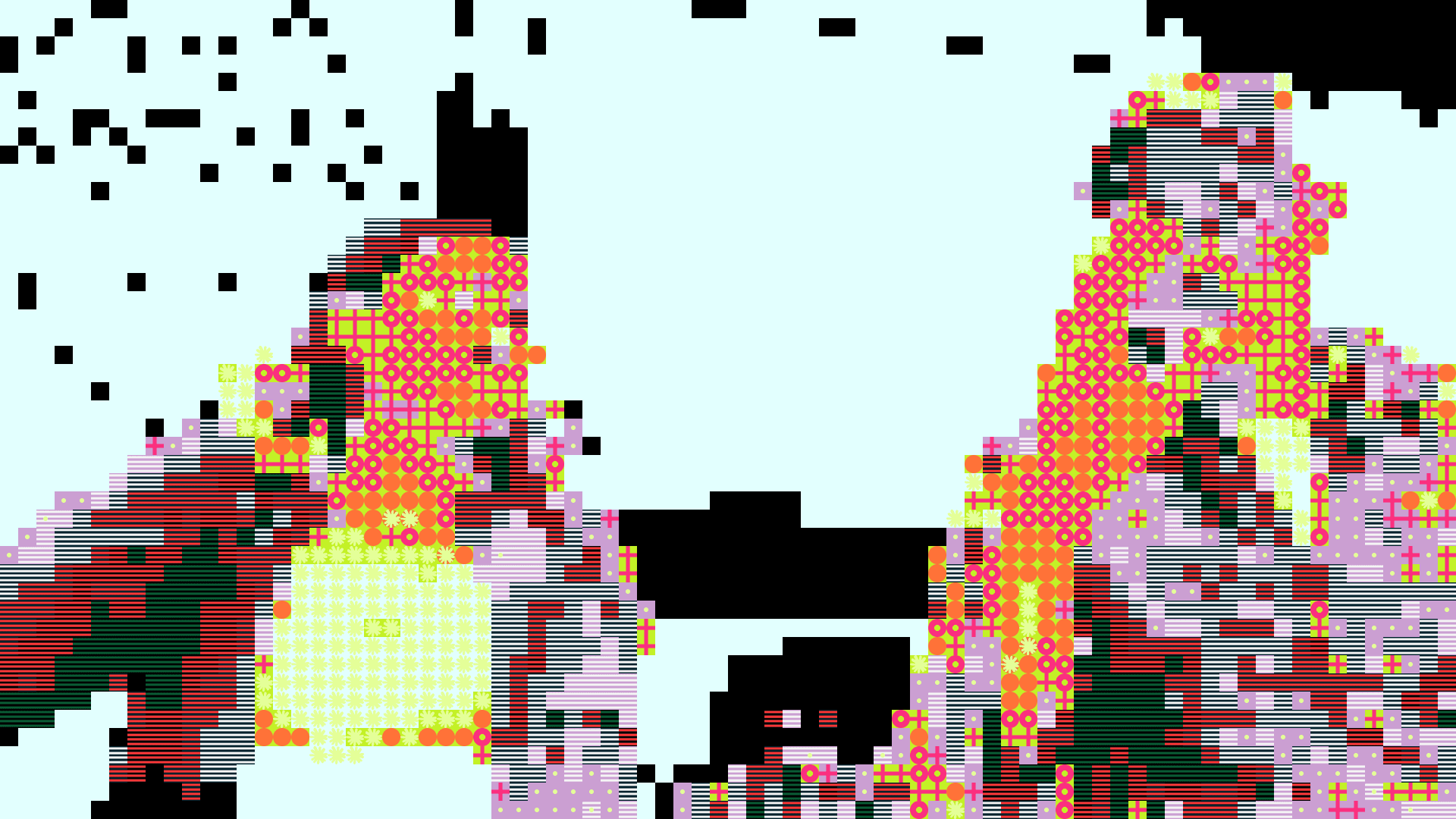
Pass 4 — Testing colors; evaluating light vs. dark backgrounds w/ Prof Mike
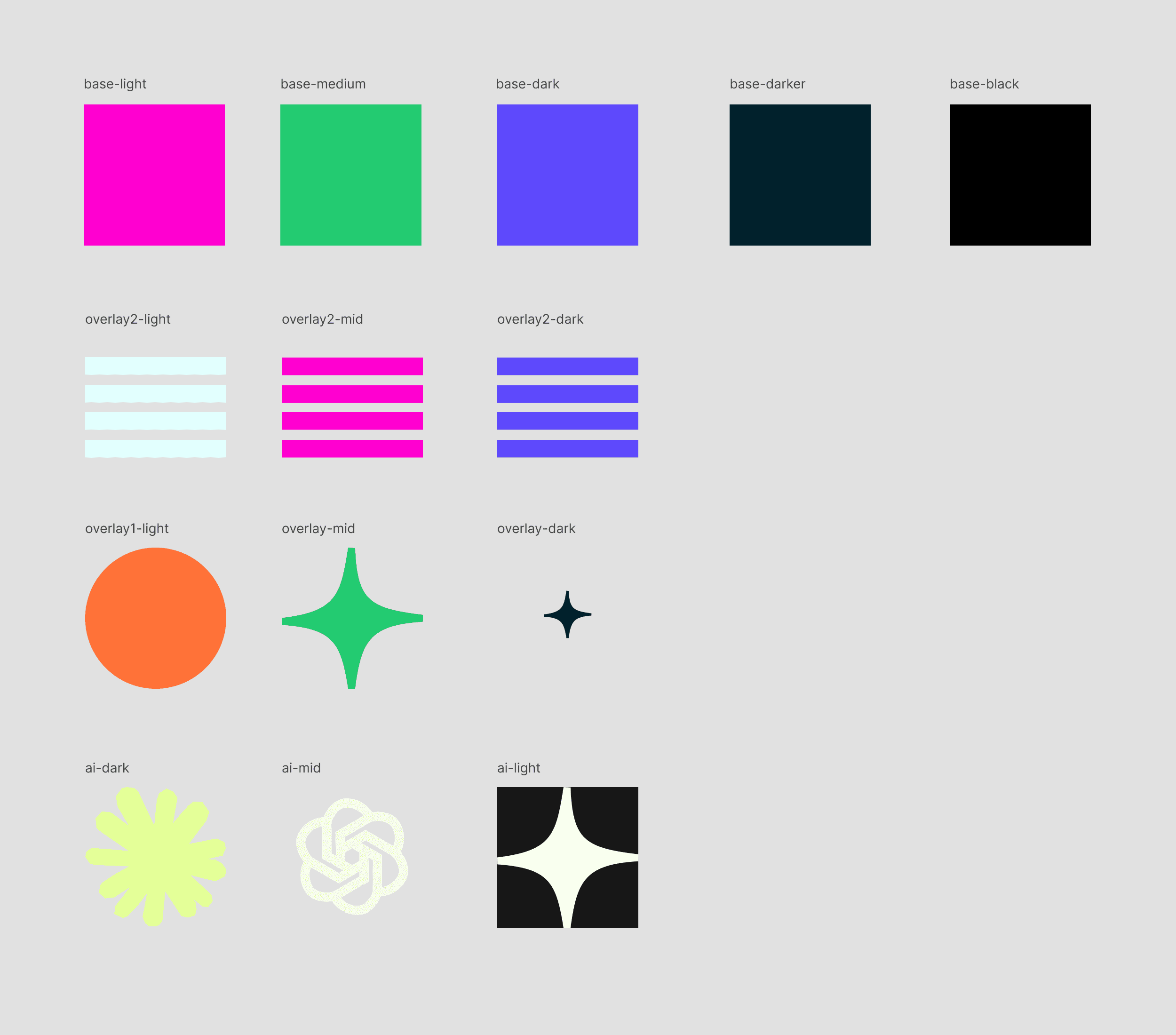
Four layers of varied shape densities, each managing distinct values
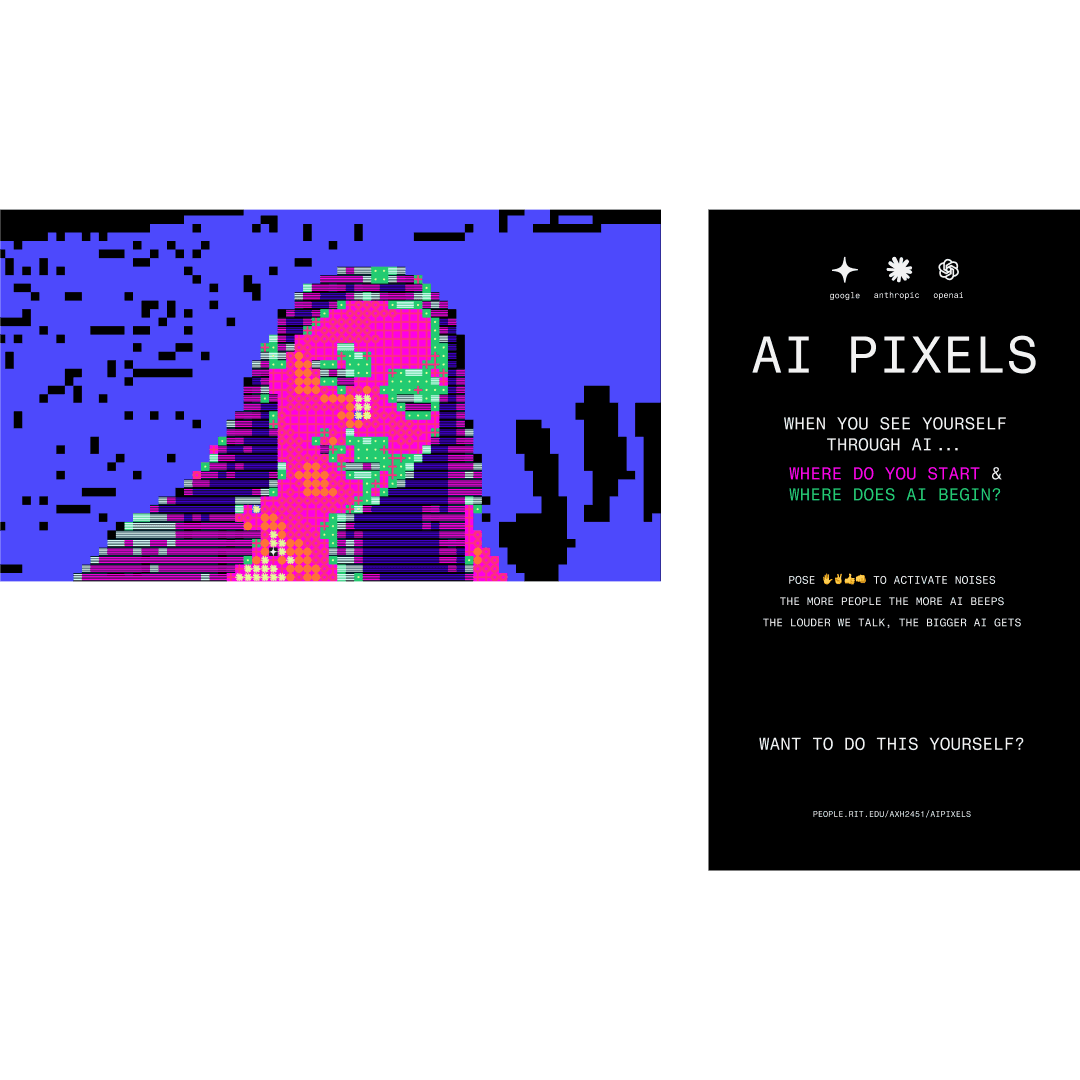
We created a secondary screen to rest beside the main experience to guide users through the experience
learning
This was the first time fully using Claude and Figma Make
Simplicity > Complex
The response to this experience was incredible, and it ended up being the lightest project in the showcase. It reinforced principle that simplicity is often the strongest path forward.
Thank you
Big thank you Mauvis and Grace @ Sogni.AI! And thank you to my fellow 4th year Mars Cazer, as well as my teammates. If they ever read this: I'm excited to see where you land in the future!